
Facade visualiser
See your house in aluminium cladding
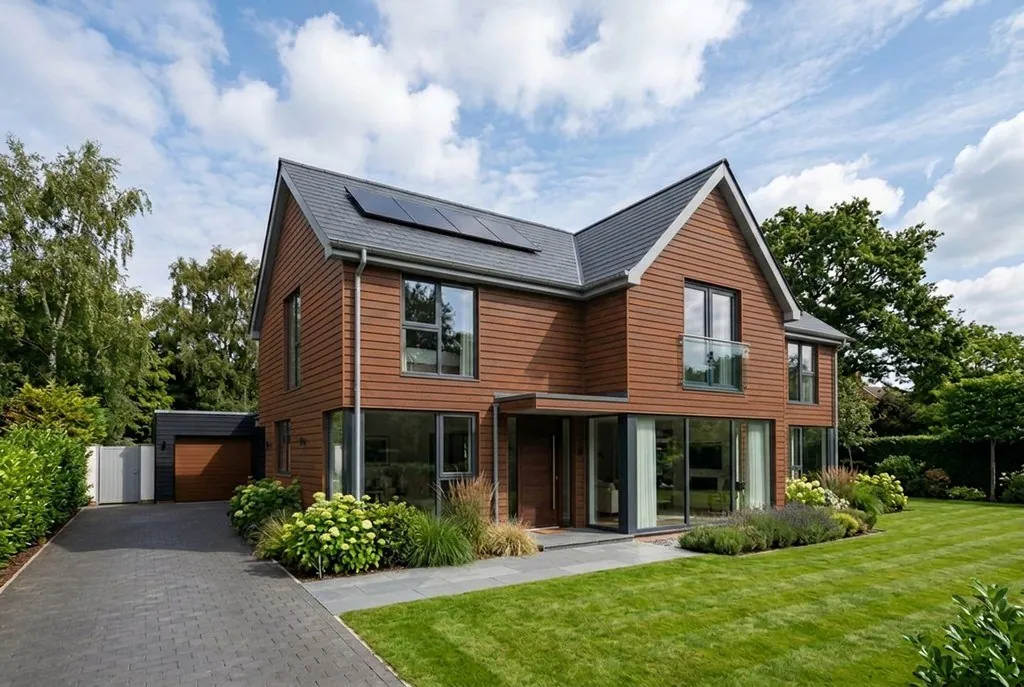
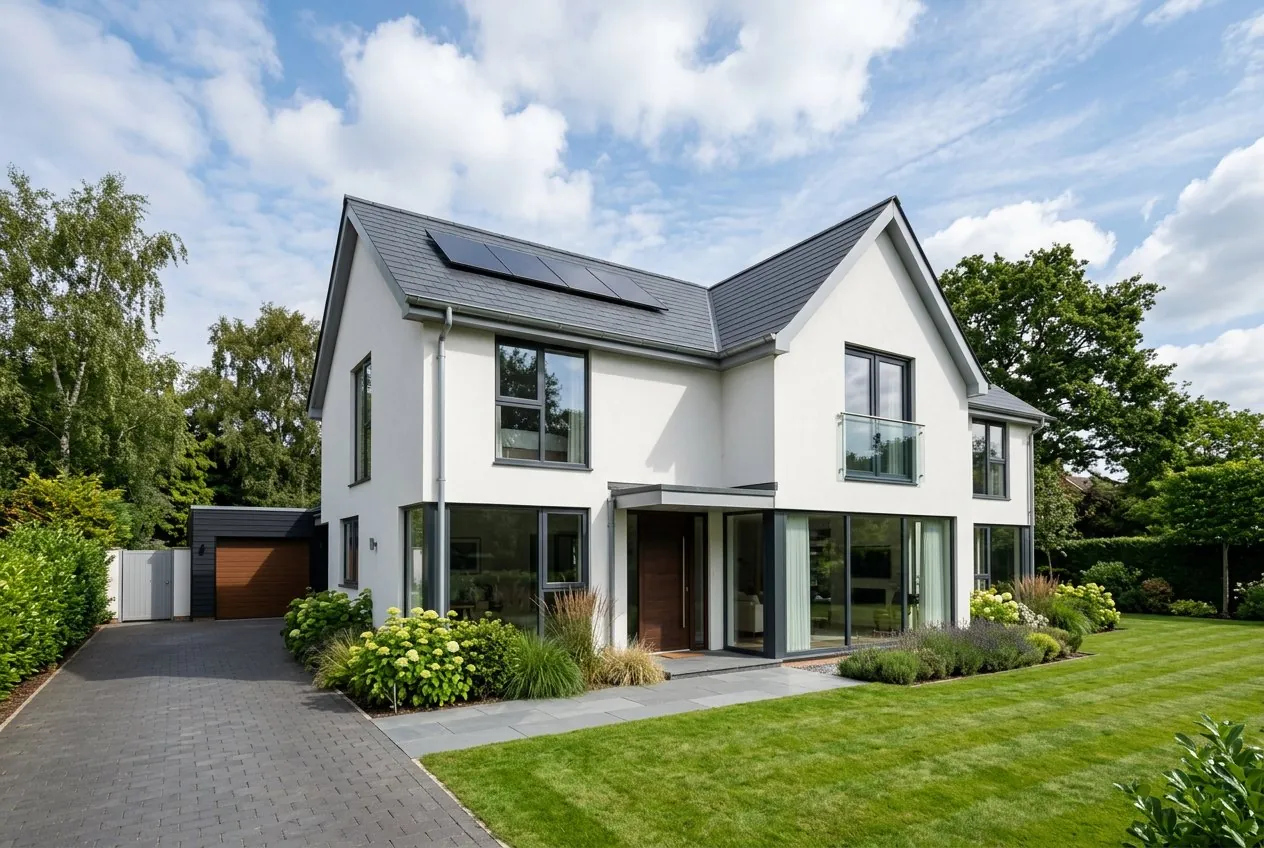
Upload one photo of the building, choose a colour, and in seconds see the whole house clad with Alu Design panels. 9 colours, free, no design software.
Start freeNo password. The sign-in link arrives by e-mail.
How it works
Three things: photo, colour, button
-
01
Upload a photo of the house
Best with the whole building in frame, in daylight. We will recognise what is in the photo and suggest the height of the building. It costs nothing.
-
02
Choose a colour
9 colours of the Alu Design panel: woods, corten, silver and anthracite. You can also set the board direction, horizontal or vertical.
-
03
See the whole house
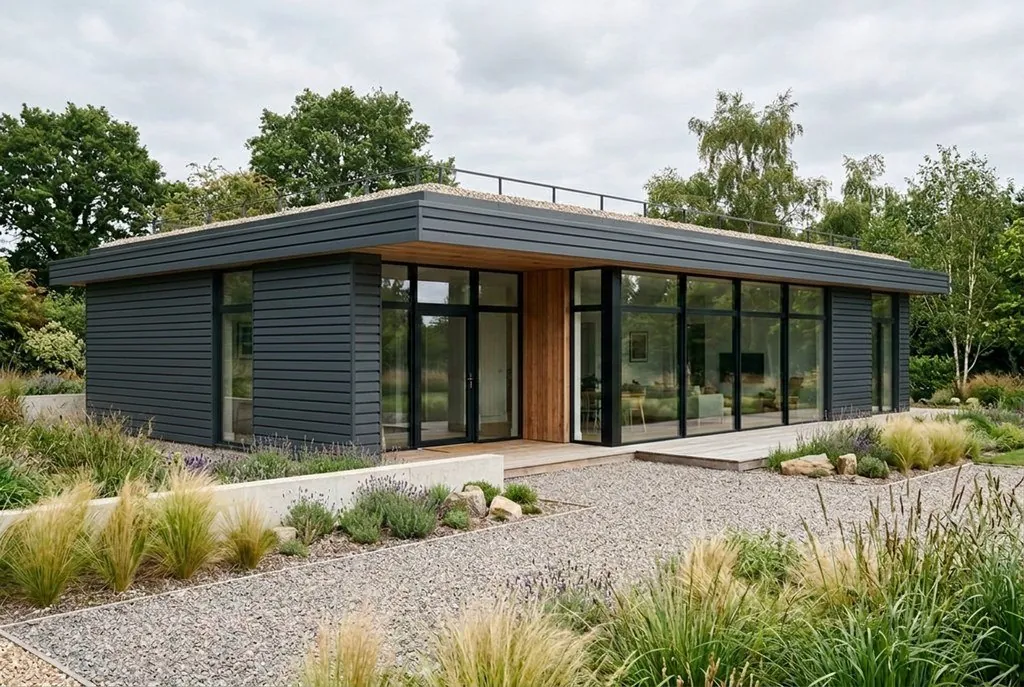
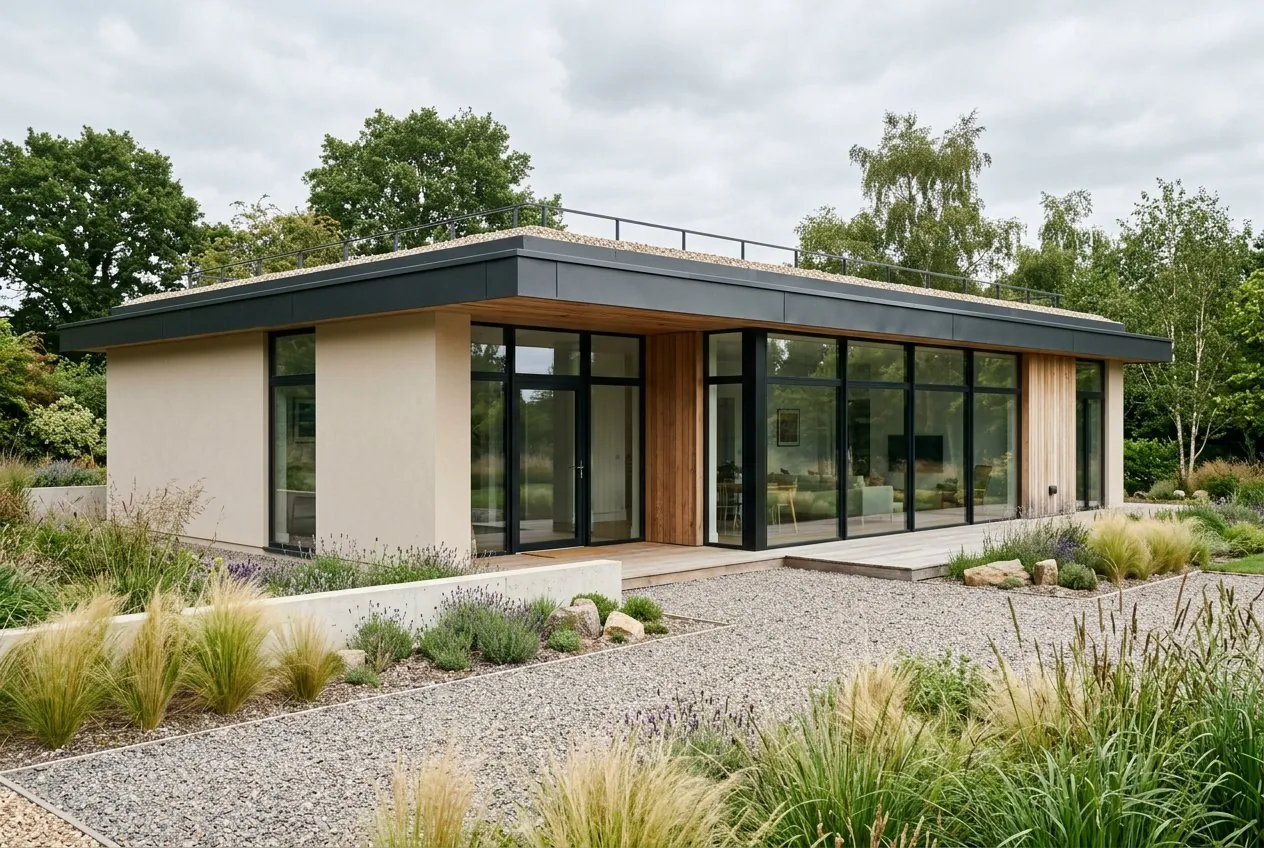
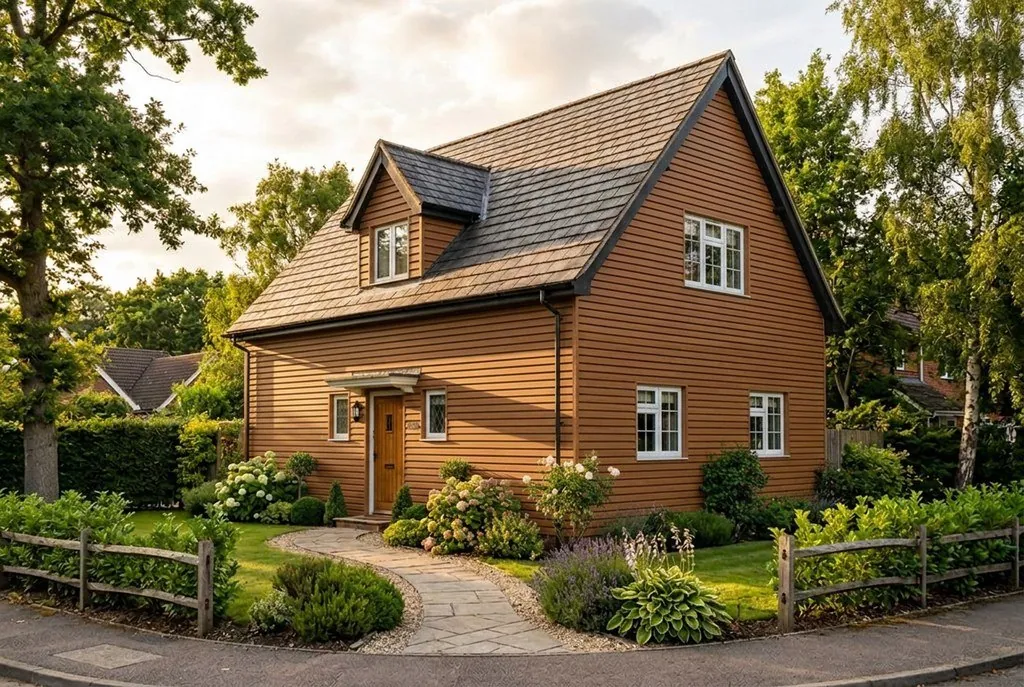
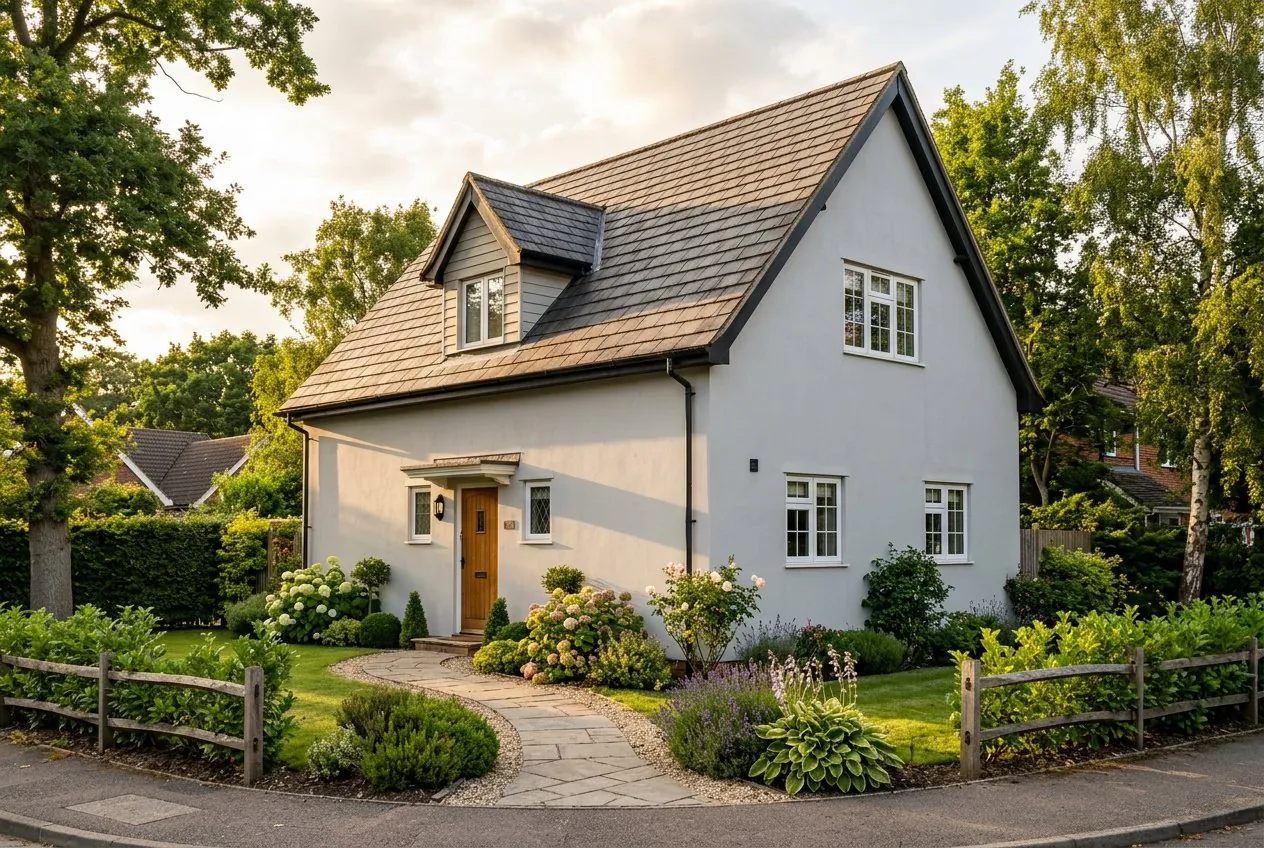
One click and within seconds your building is clad in the colour you chose. The roof, the windows and the garden stay as they are.
Examples
Drag the slider and compare
Colours
9 facade colours
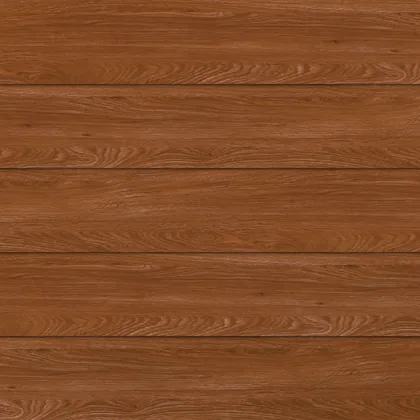 Honey Oak
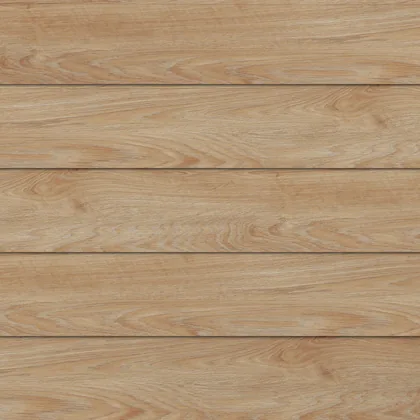 Turner Oak
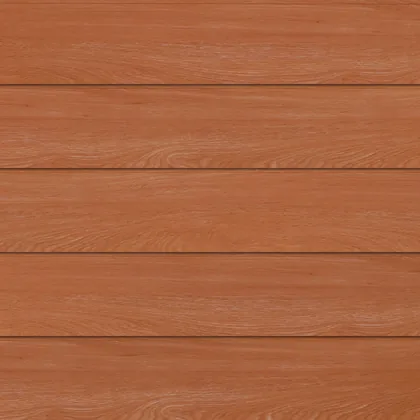 Cinamon
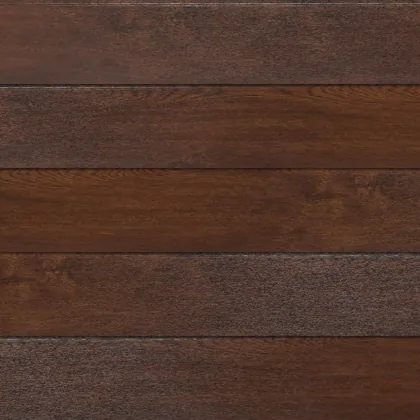 Orzech
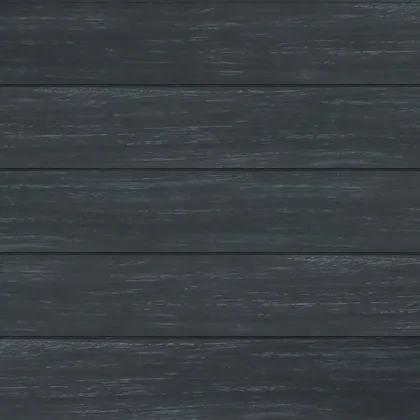 Truffle Oak
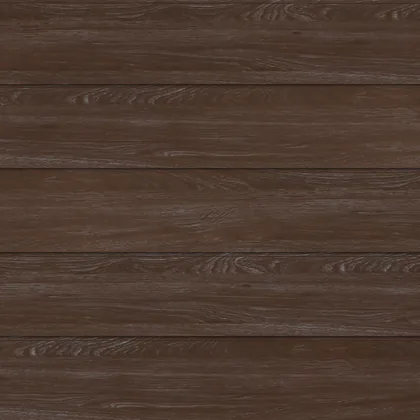 Amaranth
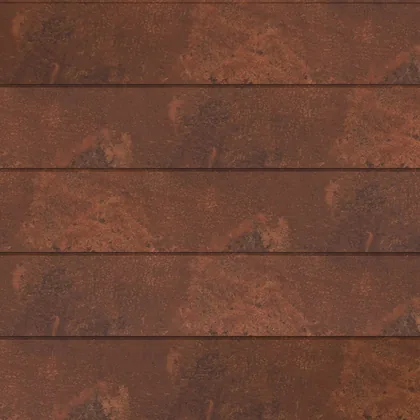 Corten
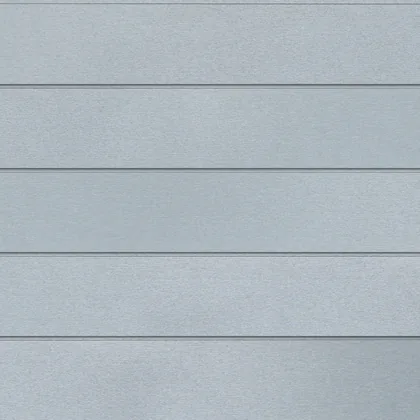 Silver
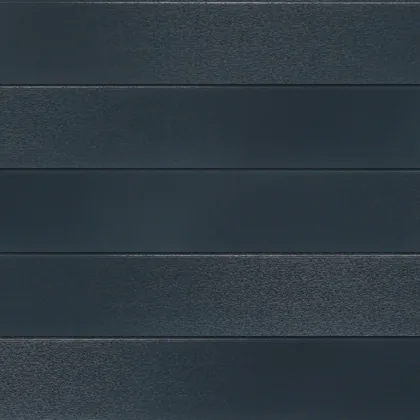 Antracyt
SP-AD panel: 142 mm of visible height, 2400 or 3000 mm long, anodised aluminium.
Account
Start with your email address
The account is free and does one thing: it keeps your visualisations in one place so you can come back to them. No password. The sign-in link arrives by email.
- a history of every visualisation, with thumbnails
- comparing several finishes on the same photo
- downloading results at full quality
- a quote request with your finish list ready
We keep your photos and visualisations on your account so a STRAMA adviser can refer to them when quoting. You can ask us to delete them by emailing [email protected].
See also
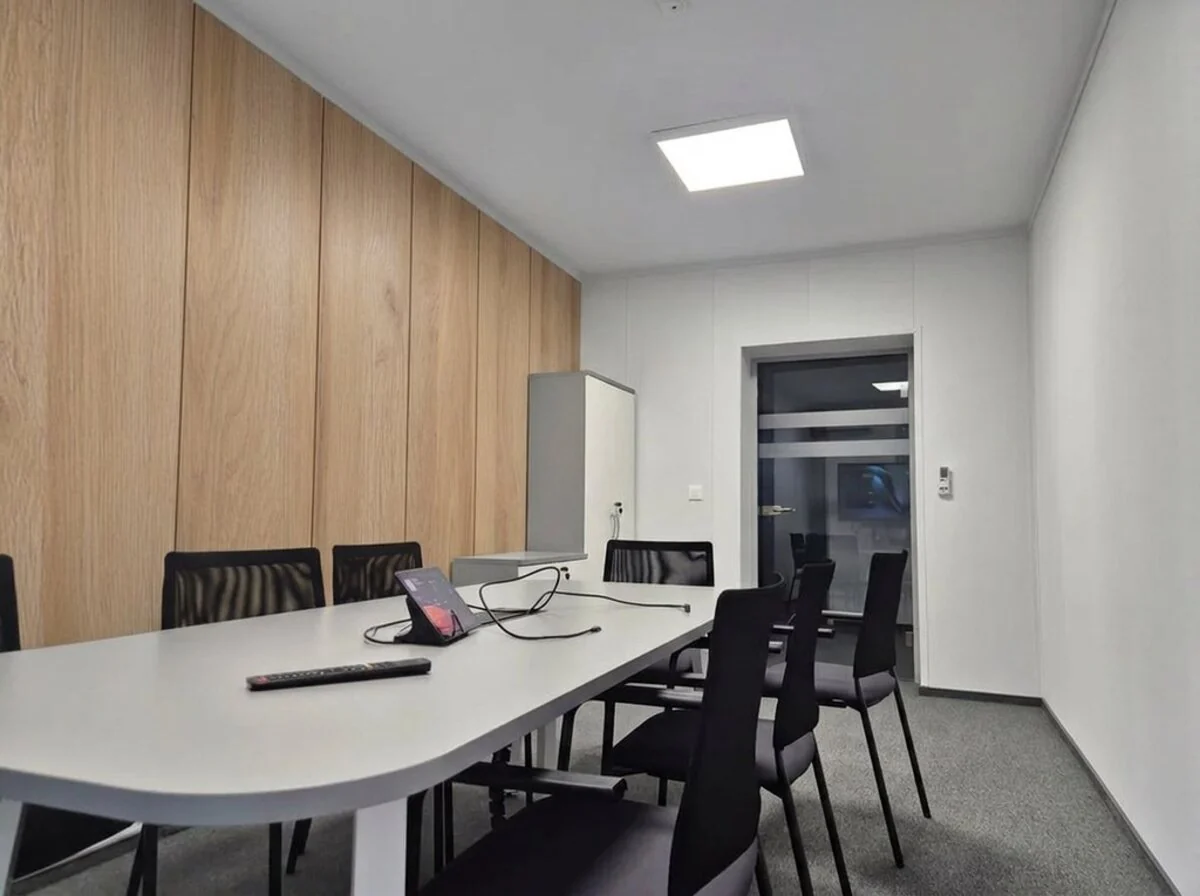
Wall panels indoors
The same idea inside: upload a photo of the room, choose a decor and see your wall with panels. 21 Interior Design decors.
Open the wall visualiserThe same account and the same daily limit.
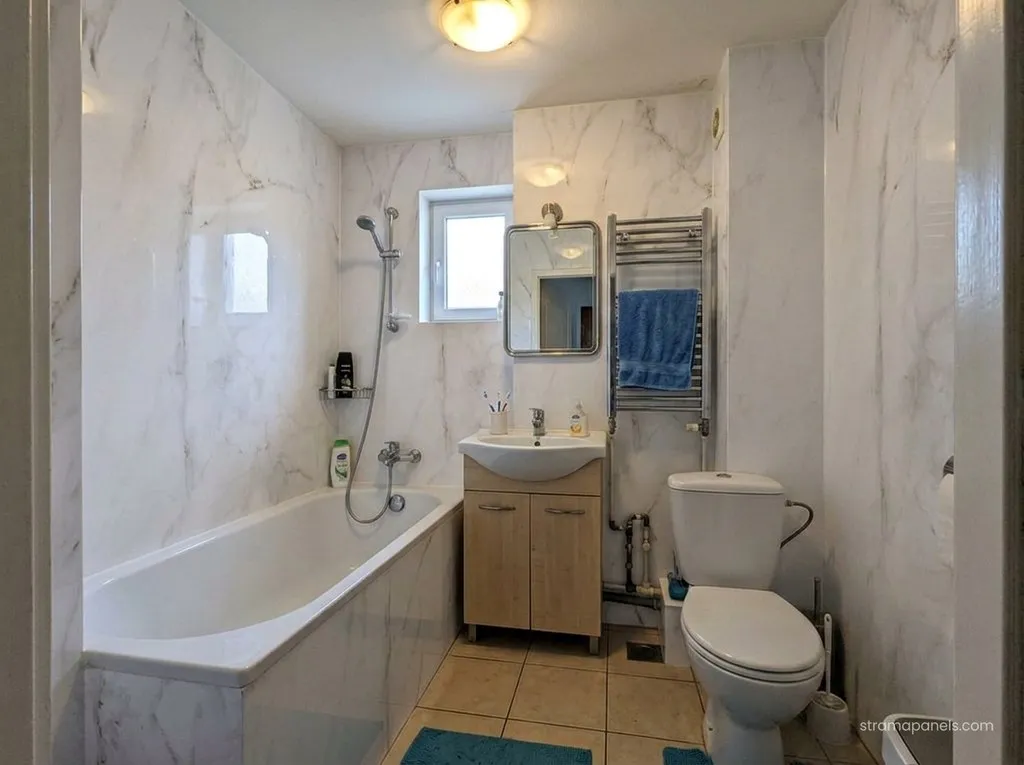
Bathroom panels instead of tiles
The same idea in the bathroom: upload a photo, pick a finish and see the walls in bathroom panels, grout-free and tile-free.
Open the bathroom visualiserThe same account and the same daily limit.
Questions
Before you start
Which photo gives the best result?
The whole building in frame, taken from ground level in daylight. Avoid steep angles, shooting into the sun, and photos where trees or cars hide the house.
How accurate is the visualisation?
It shows the colour, the material and the character of the cladding, but it is not a technical drawing. The width of the boards in the image is approximate, so do not use it to work out how many panels you need. We will calculate the quote precisely from the building's dimensions.
Do you clad the whole house or a single wall?
The whole building visible in the photo. One click is one visualisation of the whole house in the colour you chose, not a separate image for each wall.
How many visualisations can I make?
12 a day per account, shared between the facade and the interior panels. If you need more, write to us.
