
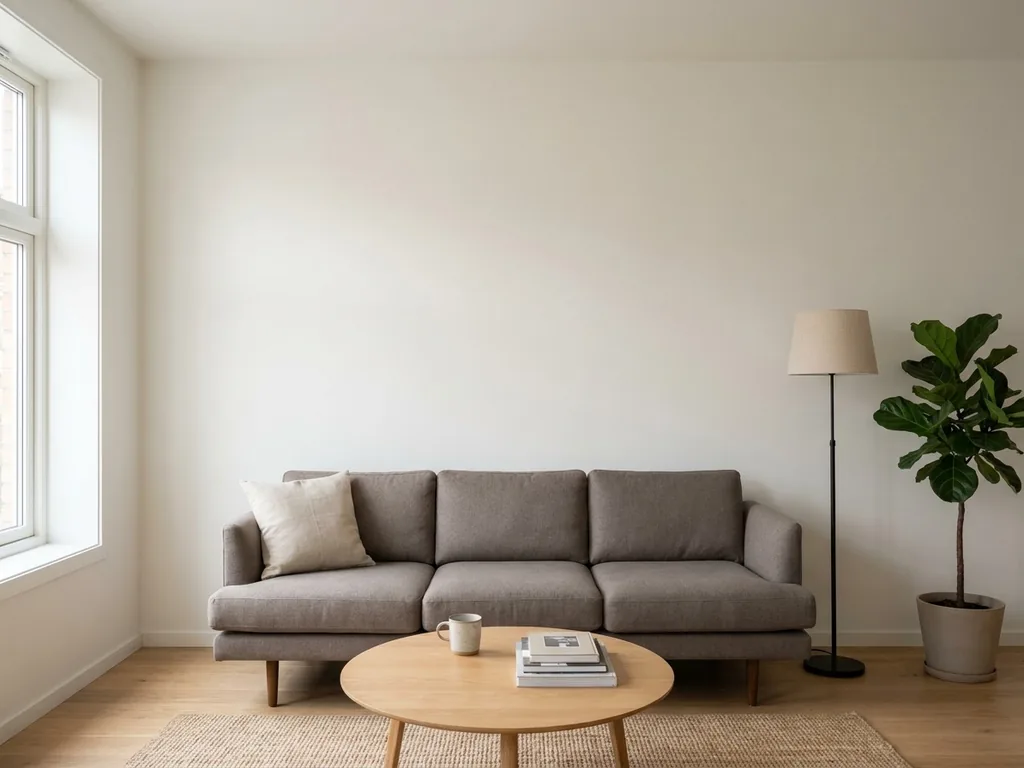
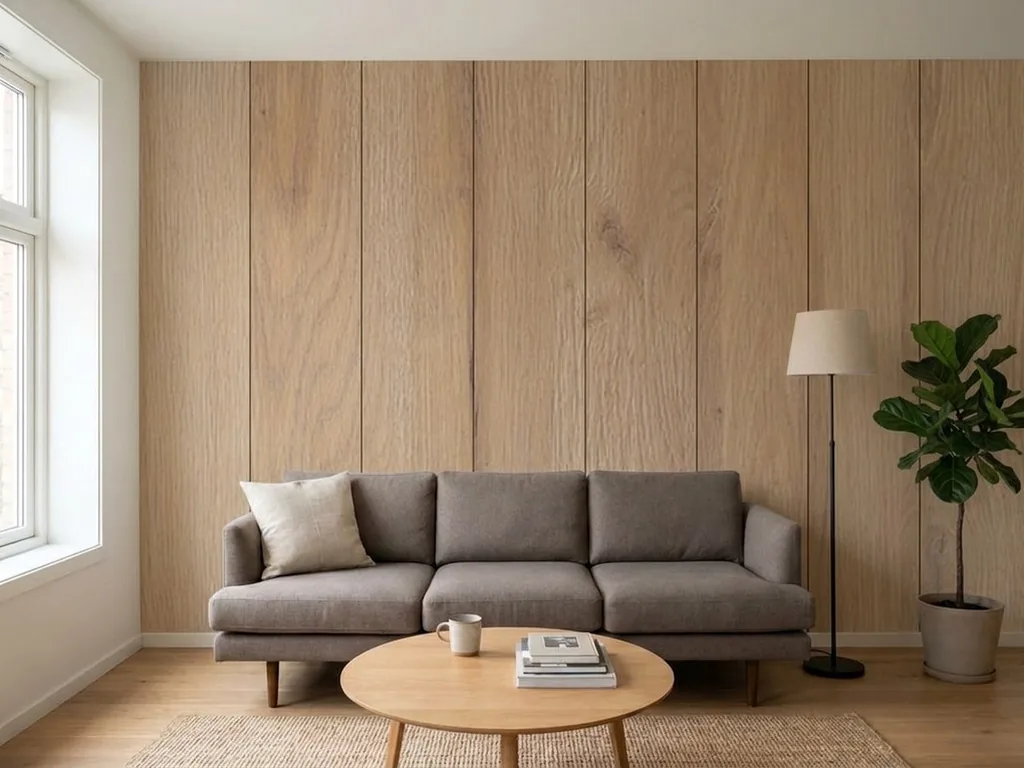
AI visualiser · free
See STRAMA panels on your own wall, before you order them.
Upload a photo of your room, pick a finish, and in seconds you get a photorealistic visualisation. No measuring, no design software, no waiting for a designer.
- 21Interior Design finishes
- ~15 sper visualisation
- 12visualisations a day per account
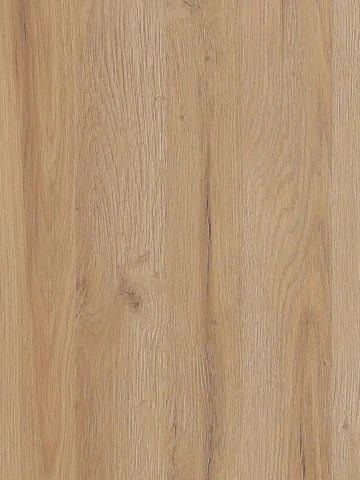 FinishGrandson Oak R
Drag the slider. An example interior, the wall behind the sofa, one finish.
How it works
Three steps to your own visualisation
-
01
Create an account
Enter your email and first name. We send a link, you click it, done. No password to remember: next time you sign in with a link again.
-
02
Upload a photo
A phone photo works well: straight on to the wall, in daylight. JPG, PNG, WEBP or HEIC up to 10 MB. Tell us which wall gets the panels.
-
03
Choose finishes
One finish or several at once. Compare them with the before/after slider and side by side, download the result and request a quote in one click.
Examples
Real rooms, two finishes, the same wall
Every pair came out of the visualiser with no retouching. Click a finish name to swap the result, then drag the slider.
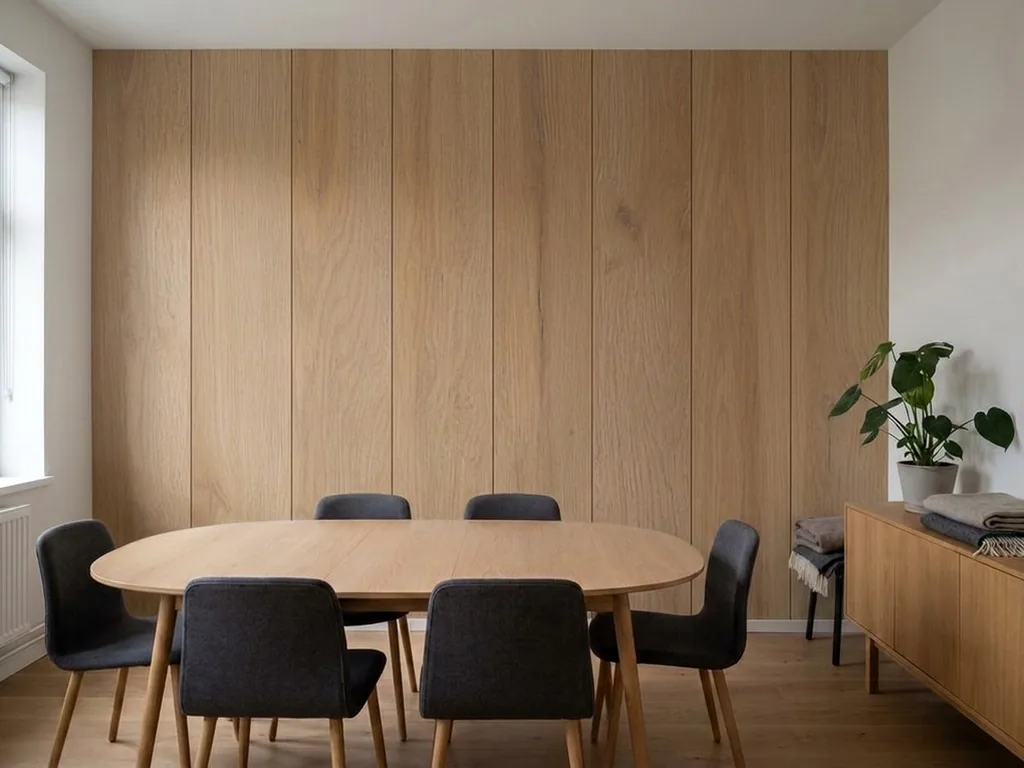
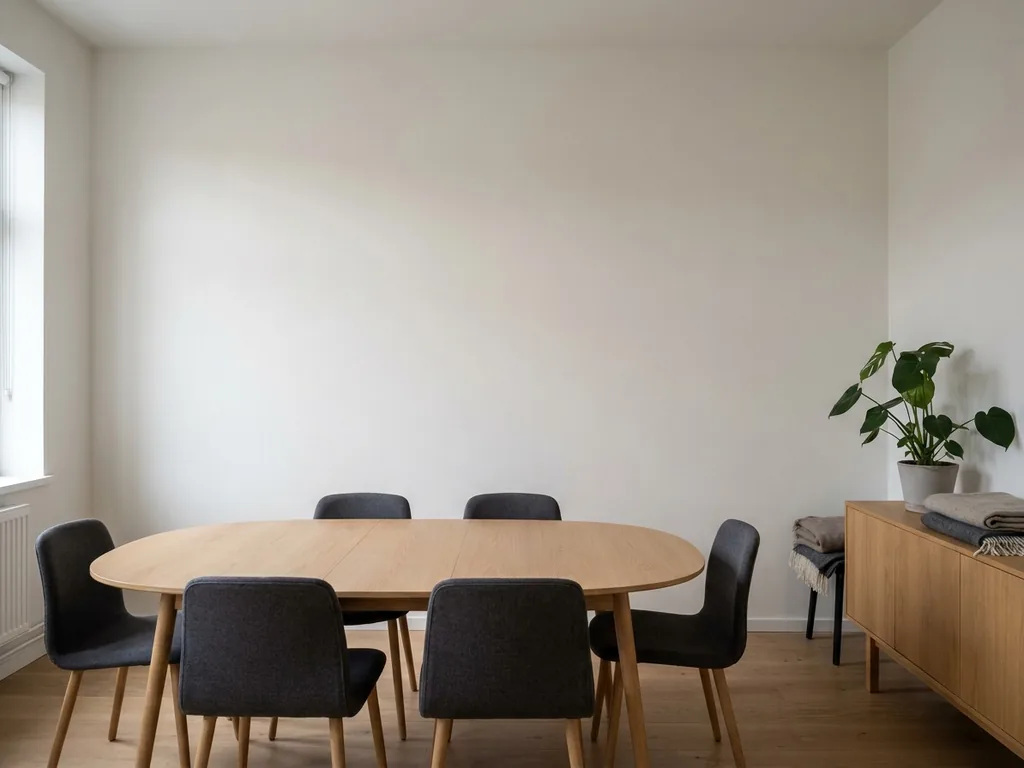
Meeting room
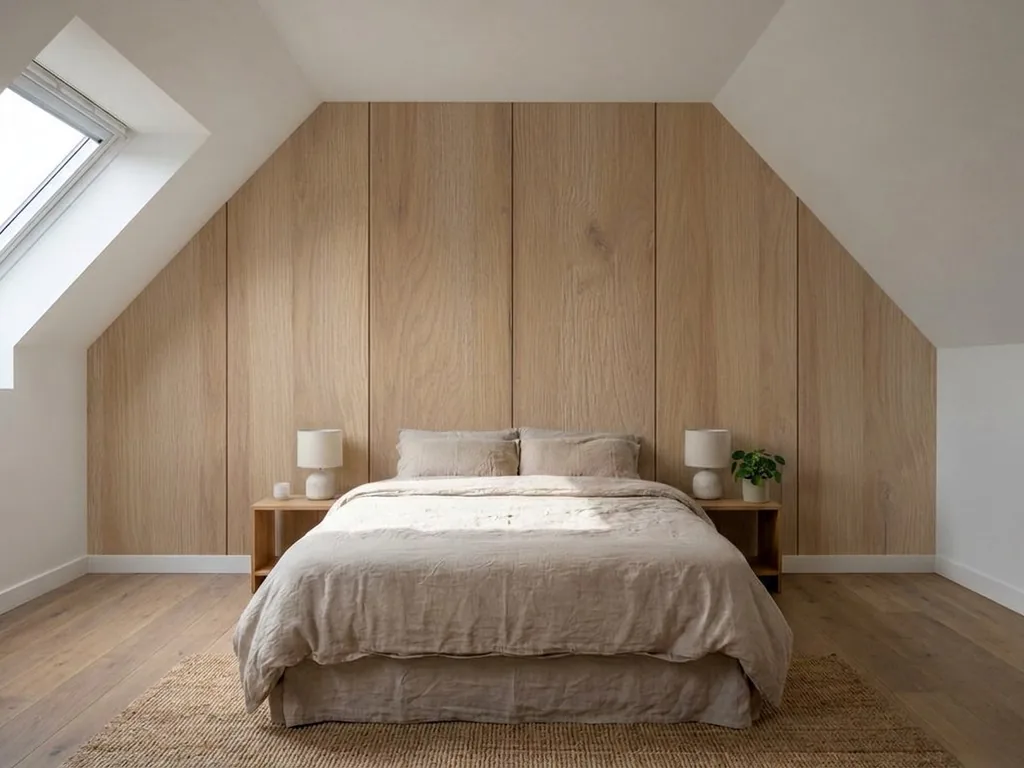
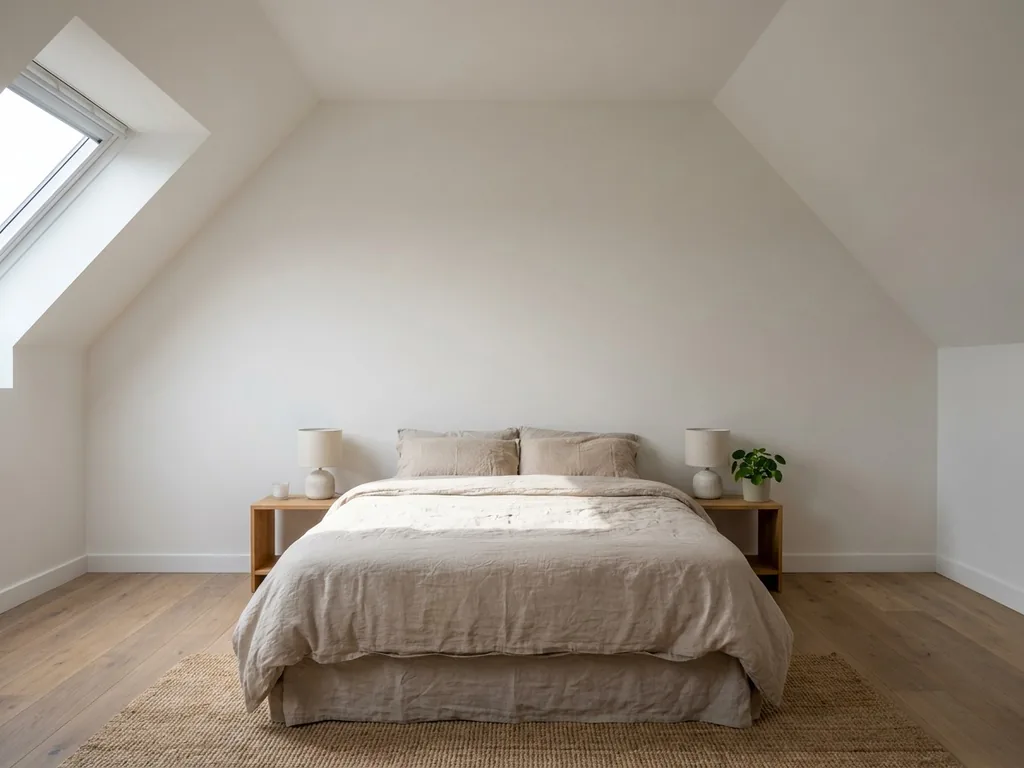
Loft bedroom
Finishes
21 finishes from the Interior Design collection
 Black 3D V
 Black GPP A
 Cashmere GPP A
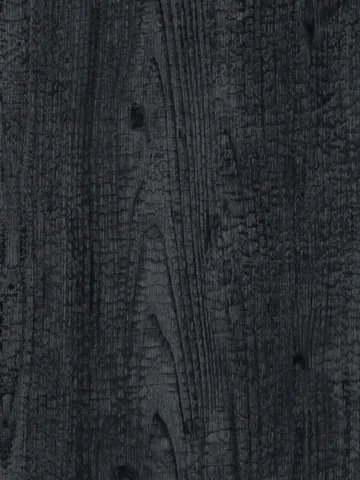 Charred Wood LA
 Corten LA
- Grandson Oak R
 Grey Concrete MA
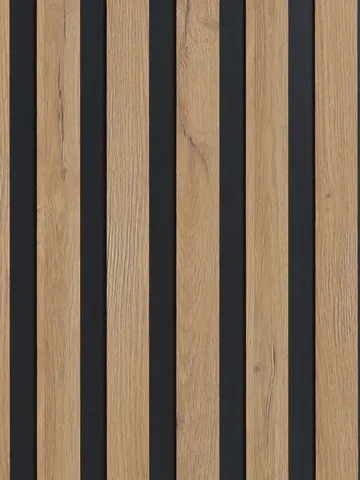 Lamela Grandson-Black Ash
 Light Grey Concrete MA
 Light Grey Textile V
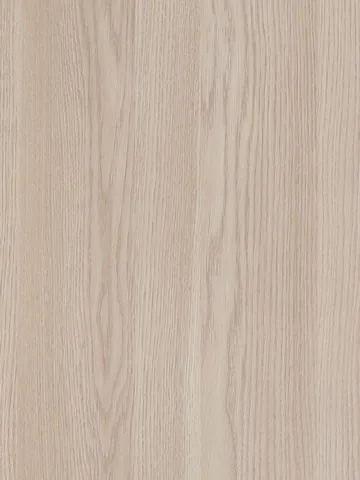 Meloak PAP LI
 Olive GPP A
 Overland Oak D AL
 Twill Cream MA
 Twill Light Grey MA
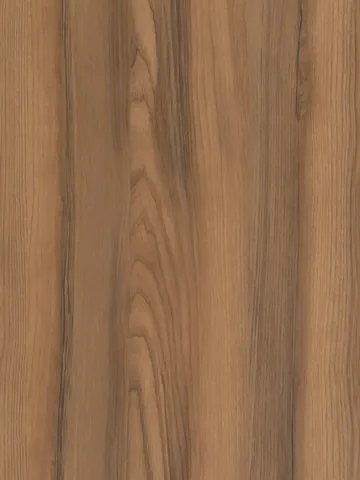 Walnut Lagoda R
 White GPP A
 White Pine PAP LI
 White Textile MA
 White Textile V
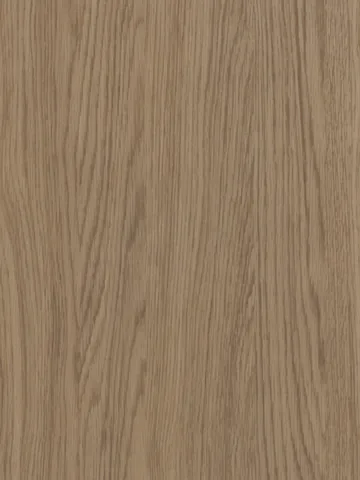 Windsor Oak T AL
Account
Start with your email address
The account is free and does one thing: it keeps your visualisations in one place so you can come back to them. No password. The sign-in link arrives by email.
- a history of every visualisation, with thumbnails
- comparing several finishes on the same photo
- downloading results at full quality
- a quote request with your finish list ready
We keep your photos and visualisations on your account so a STRAMA adviser can refer to them when quoting. You can ask us to delete them by emailing [email protected].
See also
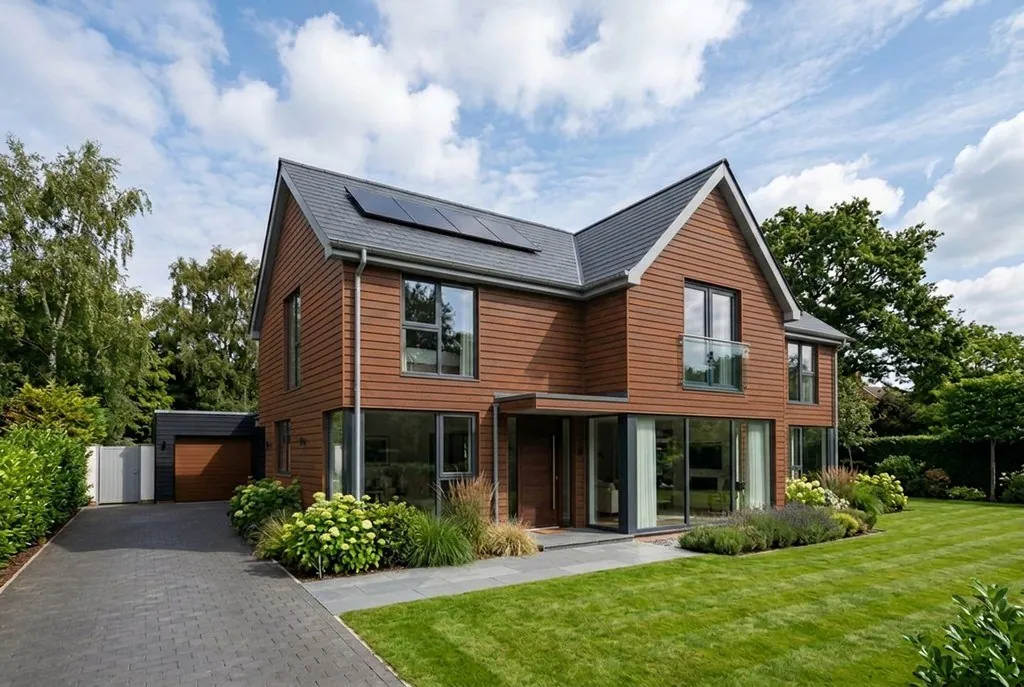
Aluminium cladding on a house
The same idea outside: upload a photo of the building, choose a colour and see the whole house clad with Alu Design panels. 9 colours.
Open the facade visualiserThe same account and the same daily limit.
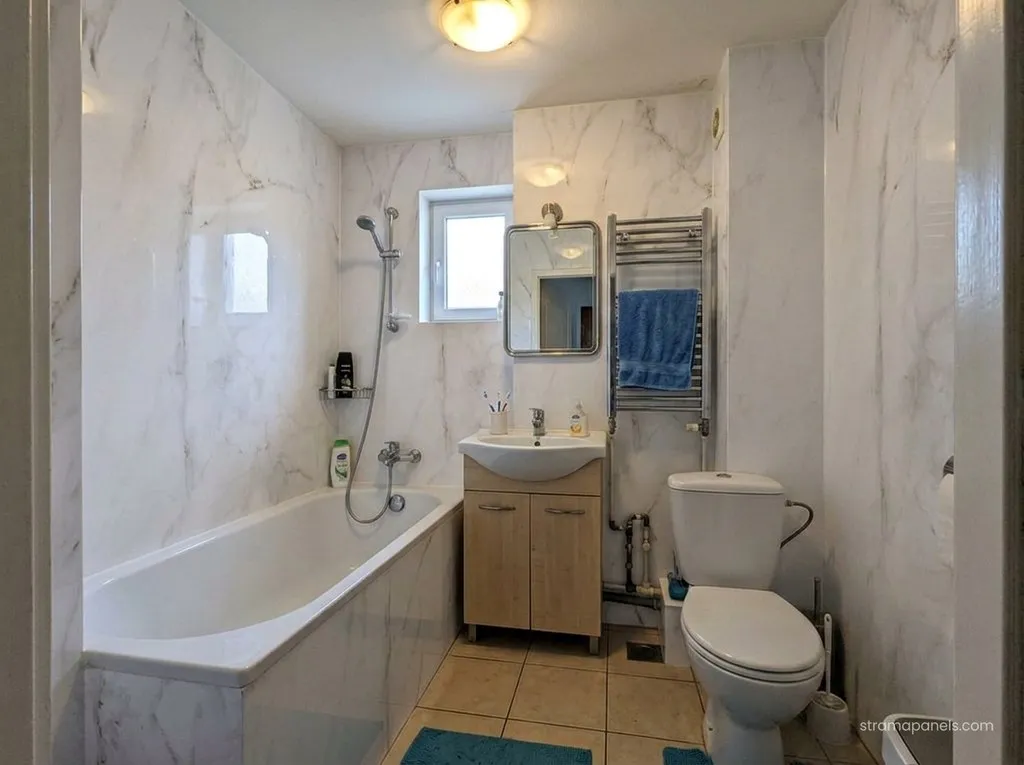
Bathroom panels instead of tiles
The same idea in the bathroom: upload a photo, pick a finish and see the walls in bathroom panels, grout-free and tile-free.
Open the bathroom visualiserThe same account and the same daily limit.
For high-street and online shops
Your customers see the wall at home before they buy it.
The visualiser is free for everyone. Your customers upload a photo of their own room and see the chosen finish on the wall, and you sell the panels with samples and sample books from the manufacturer.
Apply as a retailer(opens in a new tab)
Questions
Before you upload a photo
Which photo gives the best result?
One taken straight on to the wall, with the whole wall in frame, in daylight and with nobody in it. Furniture can stay: the model keeps it. Avoid sharp angles and flash.
How accurate is the visualisation?
It is indicative. The panels are 600 mm wide and the model tries to keep that scale, but the real shade depends on the lighting and the panel layout on your wall dimensions. Order a sample before you decide.
How many visualisations can I make?
12 a day per account. Each one costs us about 0.25 PLN, so the limit keeps bots away from the service. If you need more, for example for a project with several rooms, just write to us.
What happens to my photos?
We save the photo and the result on your account and with your enquiry in our sales system, so the adviser sees exactly what you see. We do not publish them and do not use them for anything else. We delete them on request.
